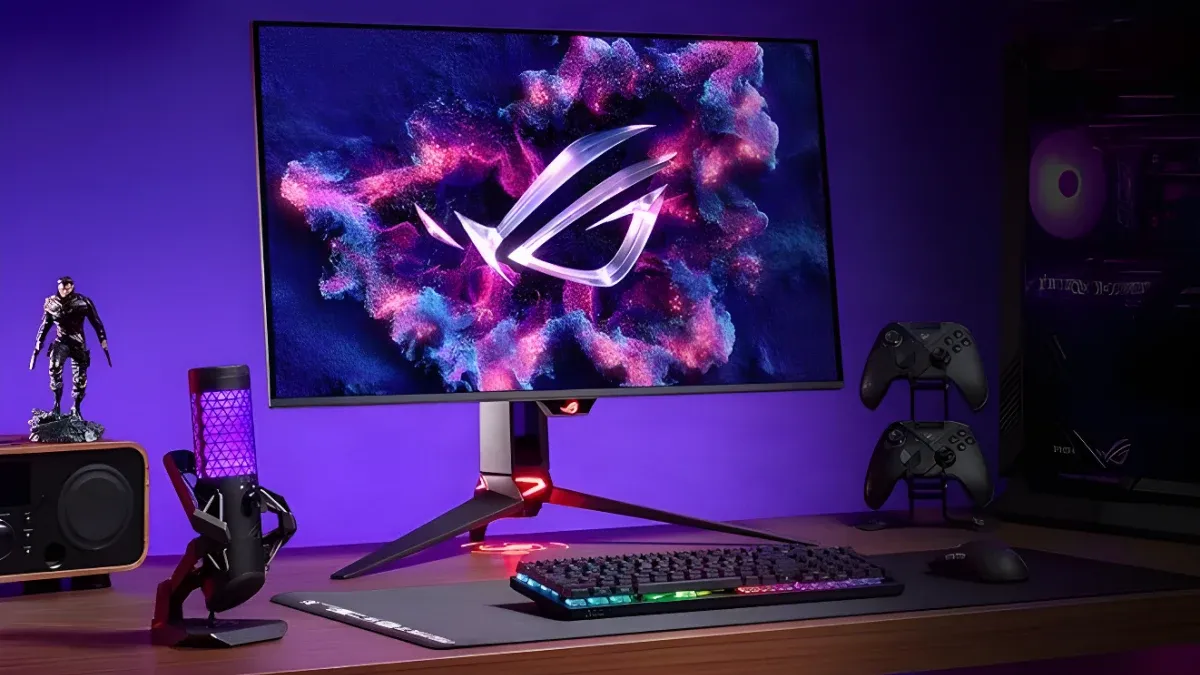
Pick a 32-inch 4K monitor for GTA VI
For many people, the ideal console gaming setup is a massive television, a comfy couch, and a wireless controller. But plenty of gamers prefer a PC monitor. A monitor might be preferable if you want a more private gaming experience, enjoy the close-up feel of a desktop arrangement, or want to avoid household conflicts over who gets to use the television and when. With the imminent launch of Grand Theft Auto VI, this guide helps you choose the best monitor for it.
| Spec | Value |
|---|---|
| 4K | Yes. The main high-quality mode most consoles target. |
| 120Hz | Yes. The upper limit of console output. |
| HDMI 2.1 | Yes. Required for 4K@120Hz. |
| VRR | Yes. VESA Adaptive-Sync smooths fluctuating frame rates. |
| HDR | Yes. Supports HDR gaming. |
| Color and contrast | Yes. Heightens image quality for visually stunning games. |
| Response time | Yes. Keeps fast-paced action clear on the screen. |
| 240Hz | Maybe. Can boost image clarity if your monitor supports ELMB. |
| 240Hz+ | No. Console cap is well below this. |
| DisplayPort | No. Consoles use HDMI, not DisplayPort. |
PCs play well with ultrawides, super-ultrawides, landscape and horizontal modes, extra-tall monitors and more. Consoles (at least, the ones available today) aren't nearly so flexible. They output a standard 16:9 signal, and that's it.
Letterboxing isn't necessarily a dealbreaker, but unless you plan to plug the monitor into a second device that can use these other aspect ratios, you're best off with a standard 16:9 monitor.
Worry about size more than aspect ratio. Most console gamers who play on a PC monitor prefer larger options. Gaming with a keyboard and mouse keeps you leaning in toward your screen, while a controller lets you lean back in your chair, so you need a bigger screen to get the same close-up feeling. A 27-inch monitor might feel a bit confining. If you have the space, a 32-inch monitor will feel much more immersive, and it's the size recommended for most people.
PlayStation 5 supports native output at 1080p, 1440p, and 4K. You'll find 32-inch monitors at each of these resolutions.
1080p. This is the most budget-friendly option, but it won't necessarily offer the best value. A monitor like the TUF Gaming VG32VQM5AZ costs $249.00 (USD). You get a 240Hz refresh rate and Adaptive Sync support. That native refresh rate exceeds what a PlayStation 5 can output, but you can toggle ELMB Sync to use that headroom to eliminate ghosting. The monitor has no HDMI 2.1 port, but that isn't limiting, since HDMI 2.0 has the bandwidth to handle 1080p at 120Hz.
The downsides:
1440p. This makes more sense, even if budget is your primary consideration. The TUF Gaming VG32AQA1A is only $20 more than the 1080p option above. It yields much more detail and still offers a higher refresh rate than your PlayStation 5 can saturate.
However, 1440p monitors are mainly recommended for console gamers who spend most of their time in competitive multiplayer games. Those titles are optimized for the console's higher-FPS mode, not the high-image-quality mode you're likely to pick for Grand Theft Auto VI. The 1440p ROG OLED monitors also support 4K input from PS5 and XBOX consoles. Depending on the model, the monitor can accept a 4K signal at 60Hz or 120Hz and downscale it to its native QHD resolution, giving image quality that gamers often find superior to native 1440p.
4K. The recommendation is a 32-inch 4K display, which is the best monitor for Grand Theft Auto VI. You get the game in the full 4K detail its artists created, plus a sharp image thanks to the pixel density of that resolution and screen size. When you want a game's 1440p mode, the monitor handles the switch just fine.
PC gamers care a lot about refresh rate. Even mainstream gaming PCs can spit out hundreds of FPS in many popular multiplayer games, and competitive gamers prefer a monitor that lets them use every frame.
Current-gen consoles are much more limited. They max out at 120FPS, usually just at 1440p, depending on the game. Play Grand Theft Auto VI at 4K on a current-gen PlayStation and it generally won't even hit 120FPS. (Dynamic resolution scaling is a thing.)
That might sound like an argument for a 4K 60Hz monitor, but that's usually not the right move. Fluid, clear, tear-free visuals need a low response time and Adaptive-Sync support along with your refresh rate. Most 60Hz monitors don't offer much on those fronts because most are designed for productivity. A PC monitor with a higher refresh rate, even one higher than your console can saturate, is more likely to be designed from the ground up for gaming.
Some monitors also offer a mode that puts the extra refresh rate headroom to work when you connect a console:
Color performance, contrast, reflection handling, image quality in bright rooms, and color gamut coverage all vary widely depending on the panel. Across the board, you'll get a better experience with an OLED monitor than an LCD. Last-gen display tech is still an option for budget-conscious shoppers, but OLED raises the bar so much that it's the smarter play for any gamer who prioritizes long-term value.
To unlock the full possibilities of your console, your 4K monitor should include an HDMI 2.1 port. Previous-gen HDMI ports don't have the bandwidth for 4K@120Hz, the highest-bandwidth output possible from a PlayStation 5.
Look for this port deliberately, because many PC monitors are designed on the expectation that gamers will plug in via DisplayPort instead. Since all modern desktop graphics cards include DisplayPort, that's a reasonable choice for PC gamers. As a console gamer, check a monitor's specifications page to make sure it has the connectivity you need.
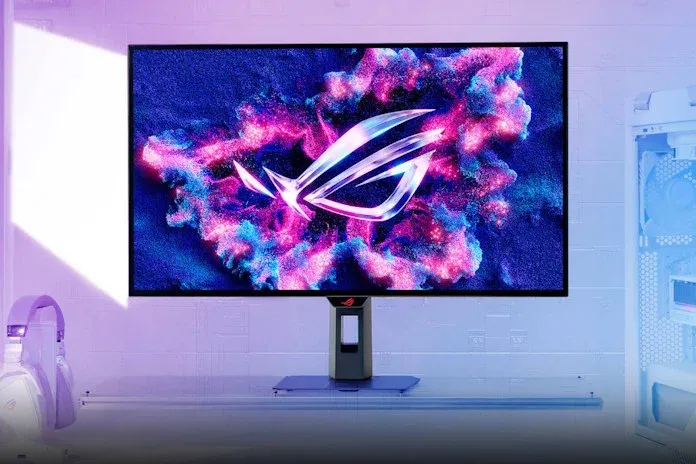
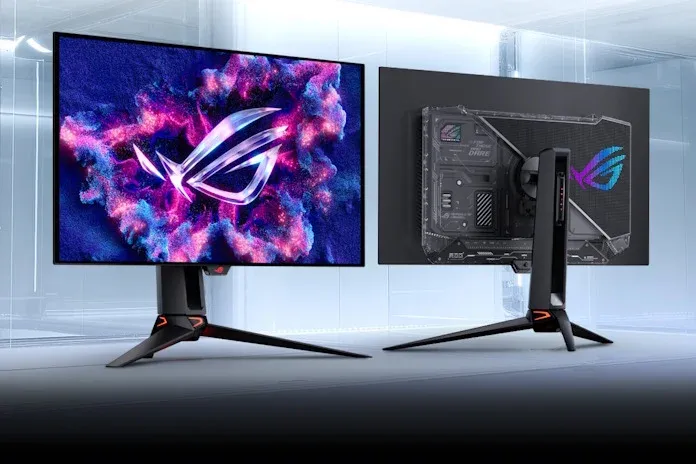
The article pulls this together in four monitors that fit Grand Theft Auto VI. They use different panel types and land at different price points, but all four are 32-inch 4K monitors with HDMI 2.1 ports, elevated refresh rates, and VESA Adaptive-Sync support. The models named include: