asus

Skip to main content

Tag: asus

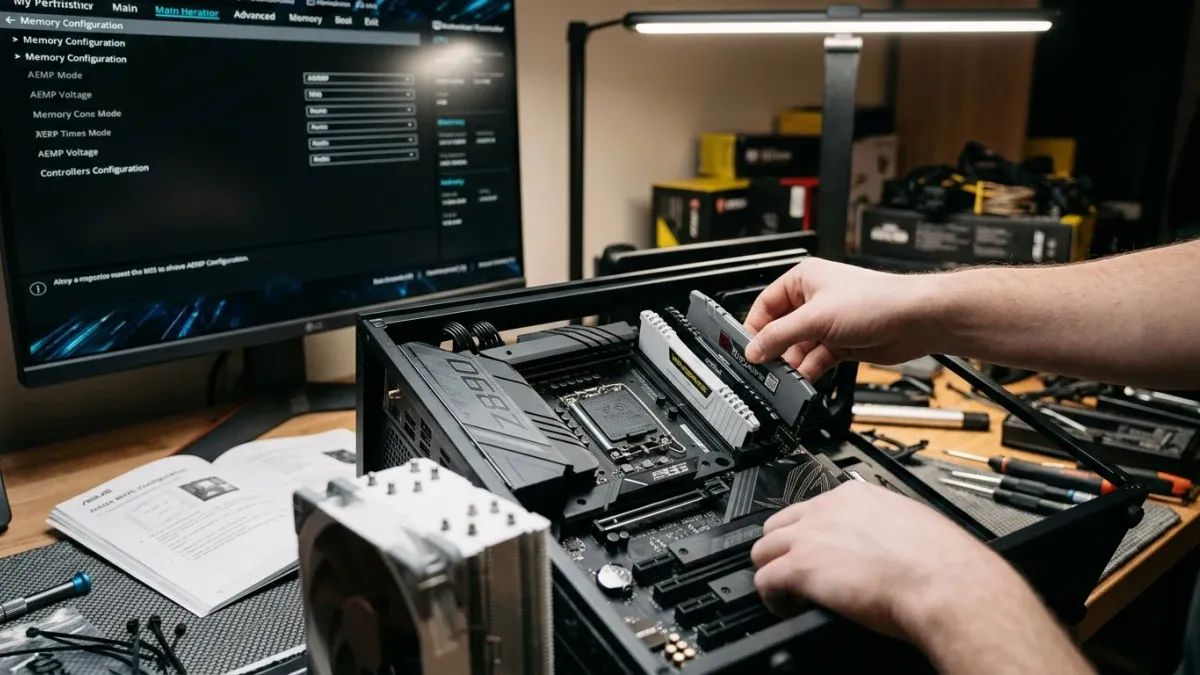
Hands installing RAM into an open PC case, with a monitor displaying BIOS memory settings in the background.

ASUS Launches AEMP Mix Tuning to Support Mixed DDR5 Configurations on Intel 800-Series Motherboards

Some PC builders prioritize maximum performance from their memory kits, while others prioritize compatibility. For builders in the latter group seeking an affordable way to get a PC running with non-standard memory configurations, ASUS has launched AEMP Mix Tuning, a new BIOS feature available now for ASUS Intel 800-series motherboards via firmware update. AEMP Mix Tuning helps users operate mixed memory configurations of 2-4 DRAM sticks with different models, frequencies, and capacities. The compatibility-first tuning algorithm prioritizes reliable system boots and stable operation while...

Continue reading

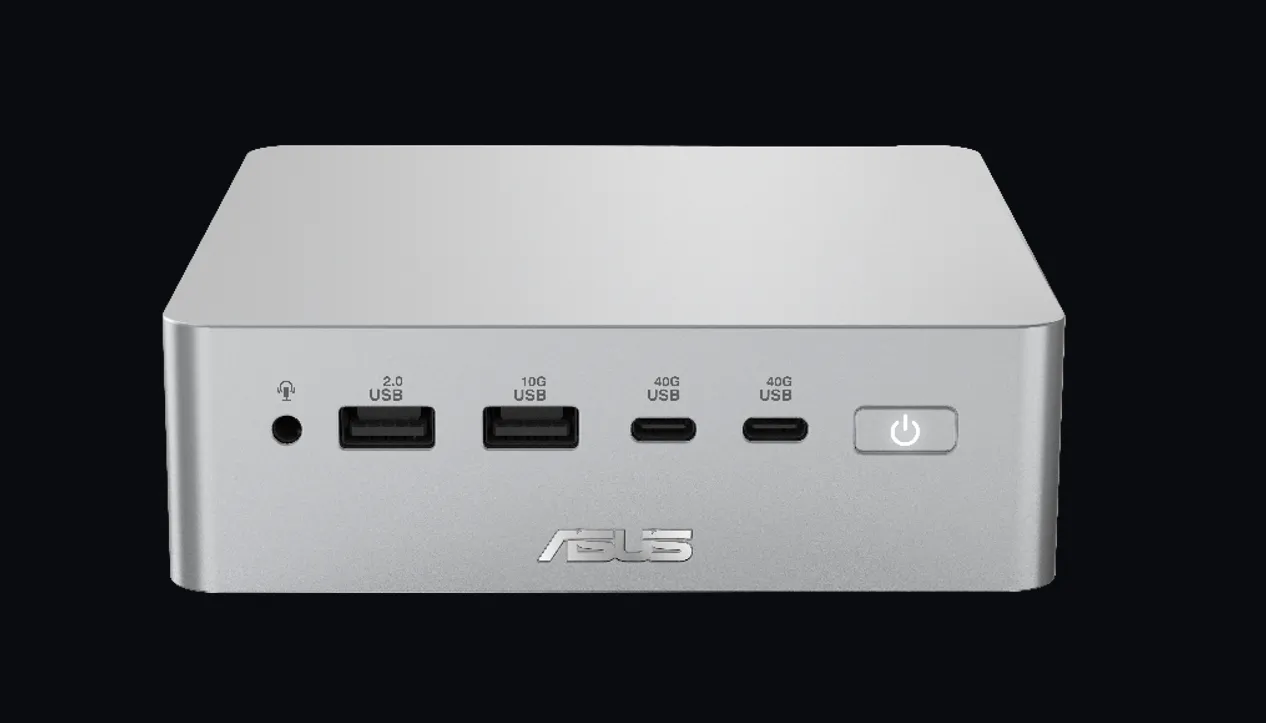
Silver ASUS mini PC front panel with USB ports, power button, and logo on black background.

ASUS Announces Ascent QN10 Mini PC

ASUS today announced the Ascent QN10, the world's first AI mini PC featuring an 80 TOPS NPU powered by the Snapdragon X2 Elite platform. Built around an 18-core Qualcomm Oryon CPU, the Ascent QN10 exceeds Copilot+ PC requirements and delivers exceptional performance, responsive AI experiences, and outstanding energy efficiency. Specification Details Platform Snapdragon X2 Elite CPU 18-core Qualcomm Oryon NPU 80 TOPS GPU Qualcomm Adreno With advanced on-device AI acceleration and enterprise-grade security, the Ascent QN10 enables real-time AI workloads, intelligent content...

Continue reading

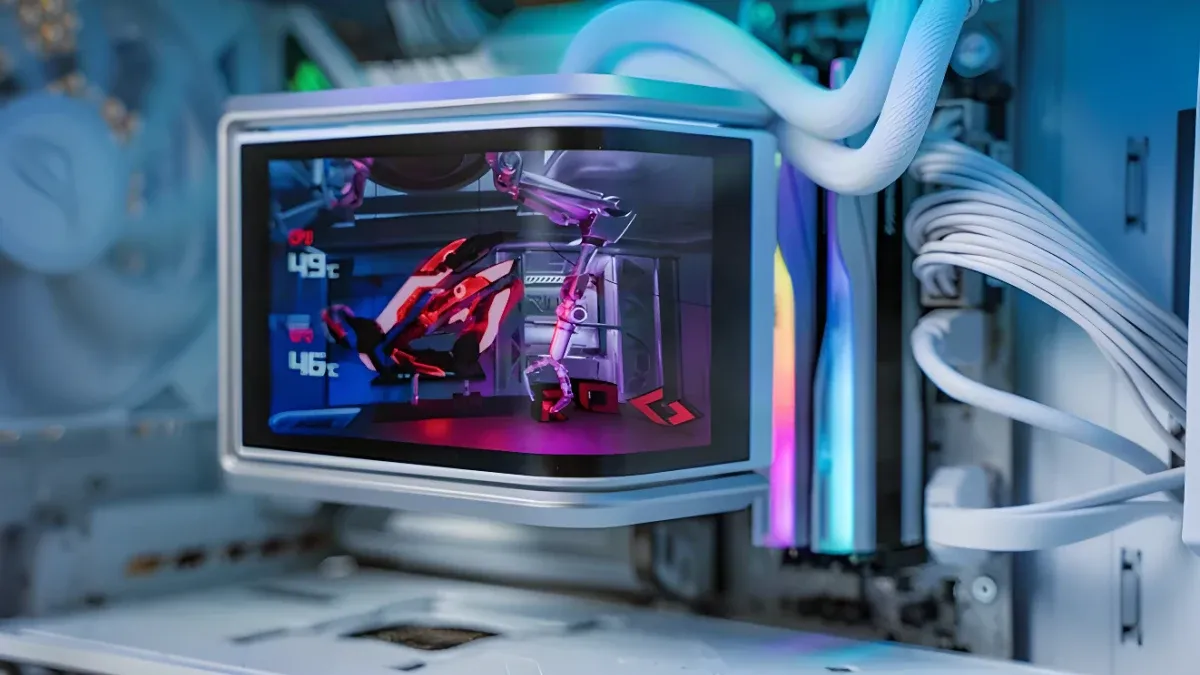
A computer case interior with white liquid cooling tubes and a monitor displaying temperature readings and RGB-lit components.

Air vs. Liquid CPU Cooling: A Complete Guide

You picked the CPU. You selected the motherboard. Now you need to decide on a CPU cooler: air or all-in-one (AIO) liquid? One is a block of metal with a fan; the other involves a pump with tubing and a radiator. Both cool the chip, but they do it differently—and those differences affect your build budget, overall PC cooling performance, and aesthetics. .abn-galeria .uk-slidenav, .abn-galeria .uk-slidenav:hover, .abn-galeria .uk-slidenav:active { background: transparent !important; border: none !important; box-shadow: none !important; ...

Continue reading

A sleek black and red ASUS gaming router with multiple antennas, glowing purple energy rings, and bold text promoting next-gen gaming.

ASUS Announces WiFi 8 Router Availability in Canada Ahead of Worldwide October Release

ASUS announced immediate Canadian retail availability of the ROG Rapture GT-BN98 series, the world's only quad-band WiFi 8 router currently available to buy from retail stores. The series is scheduled for worldwide release in October, with US launch details to follow. Also launching in October is the ASUS ZenWiFi BN12, a first-to-market dedicated WiFi 8 mesh ecosystem designed for high-capacity homes and connected households. ROG Rapture GT-BN98 series: First-to-market WiFi 8 router Built on the WiFi 8 architectural framework, the ROG Rapture GT-BN98 series delivers measurable performance...

Continue reading

Close-up of a silver GeForce RTX graphics card with ventilation grilles, installed in a computer case.

What Hardware Specs Matter for Local AI

VRAM capacity decides which models you can run. GPU memory bandwidth decides how fast they run. Storage, PCIe, and system RAM decide how quickly you can load and swap them. While VRAM capacity dominates the conversation—and fairly so, since it limits whether a model fits at all—zooming out to the entire inference process reveals that capacity is just one factor. When you deploy system memory offloading or multi-GPU setups to accommodate oversized models, the rest of your system becomes even more important in determining responsiveness. This guide walks through the full journey from loading...

Continue reading

Black ASUS ProArt motherboard with gold accents, CPU socket, RAM slots, and M.2 slots, featuring geometric design elements.

ASUS Showcases AI-Powered ProArt Creator Solutions at IBC 2026

The lineup spans professional SDI monitors, advanced OLED display technology, and AI-accelerated creation powered by NVIDIA RTX Spark, demonstrating how AI now touches every stage of production: from on-device generation and inference on ultra-portable hardware to remote access to full workstation-class GPU power to real-time AI video generation on multi-GPU workstations. AI Creator Laptops and Portable Platforms At the center of ASUS's AI creator story are the ProArt P16 and ProArt P14, slim Windows creator laptops built for personal AI-agent workflows and powered by RTX Spark. They...

Continue reading

A tablet displays a vibrant, colorful scene of a traditional Japanese temple, cherry blossoms, and Mount Fuji against a soft purple and cream background.

Next-gen ePaper display experiences

You might know ePaper display technology from e-readers, offering a paper-like reading experience with low power consumption that makes it easy to travel with a large library. But ePaper's advantages extend far beyond reading novels. To bring this display tech to wider audiences and use cases, we're debuting the ASUS ZenScreen MP13UC, a portable touch monitor equipped with a high-resolution color ePaper display, bundled with our latest portable monitor stand, the ASUS ZenScreen Stand ATS01D. Next-gen ePaper display experiences Early ePaper display panels were limited in their...

Continue reading

A hand grips a gaming mouse with RGB lighting on a dark mousepad, glowing sensor visible beneath.

Understanding Lift-Off Distance for Gaming Mice

Most people don't think much about repositioning their mouse—it becomes second nature. But considerable technology enables seamless repositioning. All optical mice feature a “lift-off distance” (LOD): the height above your mousepad at which the optical sensor stops tracking your movements, preventing the cursor from moving while you reposition. Designing a gaming mouse would be simpler if one lift-off distance worked for everyone, but variables matter. The ideal setting depends on your mousepad surface, grip style, muscle memory, and preferences for other settings like...

Continue reading