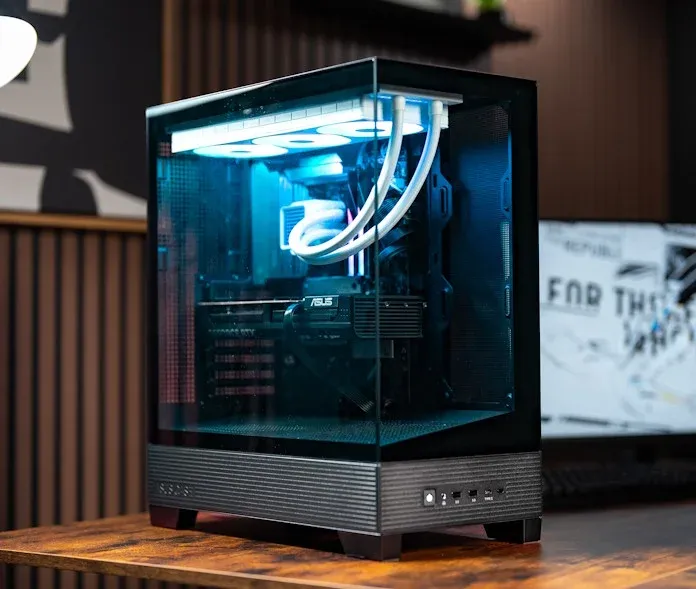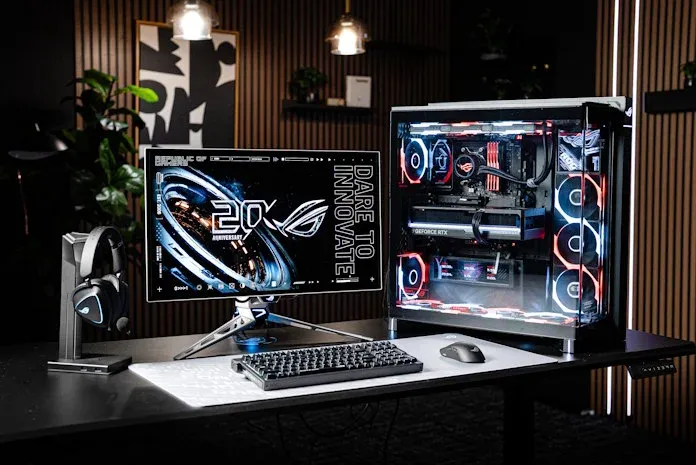
A computer case interior with white liquid cooling tubes and a monitor displaying temperature readings and RGB-lit components.
You picked the CPU. You selected the motherboard. Now you need to decide on a CPU cooler: air or all-in-one (AIO) liquid? One is a block of metal with a fan; the other involves a pump with tubing and a radiator. Both cool the chip, but they do it differently—and those differences affect your build budget, overall PC cooling performance, and aesthetics.
Air coolers have remained largely unchanged for years. A metal cold plate sits on the CPU; heat pipes transfer heat into a fin stack above it; one or two fans push air through the fins. Heat travels from the chip through the fins into the case's airflow.
An AIO liquid cooler starts similarly: a metal cold plate moves heat from the CPU's heatspreader. But constantly moving coolant inside the pump housing absorbs that heat and carries it to a radiator. Fans attached to the radiator move heat either out of the case or into its airflow pathway, depending on your setup.
The key difference: both use fans on fins, but the liquid in an AIO gives you more flexibility and control over where CPU heat goes. An air cooler must work in the limited space above the CPU socket, constrained by case depth. AIOs can use big, thick radiators since they move heat away from the CPU socket region entirely.
This offers two main benefits. First, acoustic performance often improves: heat spreads across a large radiator, so fans don't have to work as hard, enabling quieter operation. Second, you gain more choices for integrating CPU cooling into your overall airflow strategy. You can use the radiator as an intake for fresh air or as an exhaust to prevent CPU heat from warming other components.
With an air cooler, CPU heat warms a fin stack in the middle of your chassis. The cooler moves that heat into the air; the case's airflow carries it out.
An AIO gives you a choice. The radiator still dissipates heat as air flows through it, but you decide where it lives. Mount it at the top and heat exits without warming other components. Mount it at the front and heat enters the case and flows wherever case fans direct it. This control fits well with modern case designs.
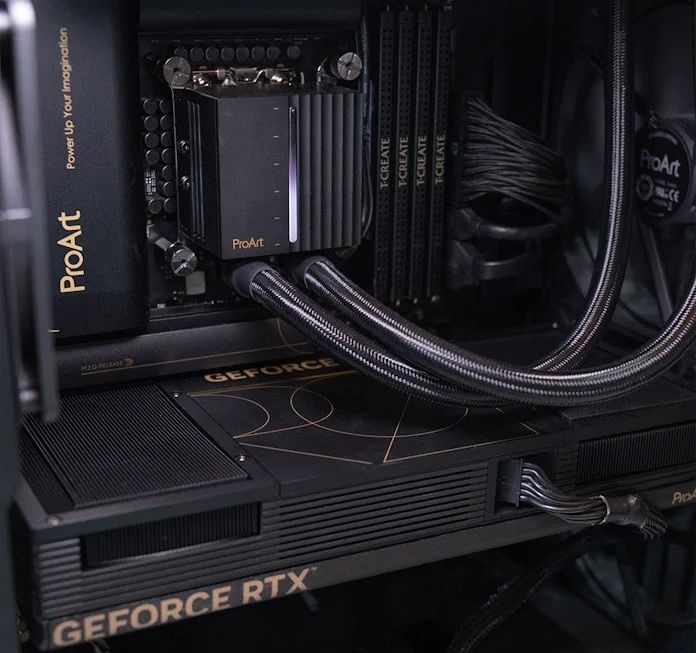
Voltage regulator modules around the CPU convert power rails to the low voltage your CPU runs on, generating heat in the process. They're cooled by passive heatsinks relying on case airflow—no dedicated fans, just metal waiting for air to pass over it.
Your CPU cooler choice matters here. An air cooler's fan(s) primarily move air through its fin stack but also across the motherboard's upper region, helping maintain airflow over VRM heatsinks alongside case fans.
With an AIO, you may need to plan VRM cooling specifically. Depending on radiator placement, insufficient air might flow across the VRMs, raising their temperatures. Mounting the radiator at the top generally positions at least one AIO fan to help exhaust VRM heat, but you might want to direct additional cooling air there. Some AIOs include a fan embedded in the pump housing that keeps air moving around the CPU socket, helping maintain low VRM temperatures.
The takeaway: VRM temperature matters as much as CPU temperature for long-term performance, and CPU cooler choice significantly impacts both.
Air coolers were designed for traditional PC layouts with clear front-to-back airflow, where air enters the front, passes through the cooler, and exits the back. This remains common, and air coolers shine here—they sit in the main airflow pathway and actively support it.
However, many modern cases deviate from this design. Panoramic cases prioritize wide-open views, making the entire front an airflow-blocking window. Small-form-factor cases often constrain cooling options, sometimes lacking sufficient depth for tall tower coolers or offering no clear front-to-back pathway. In both scenarios, air coolers may not be ideal.
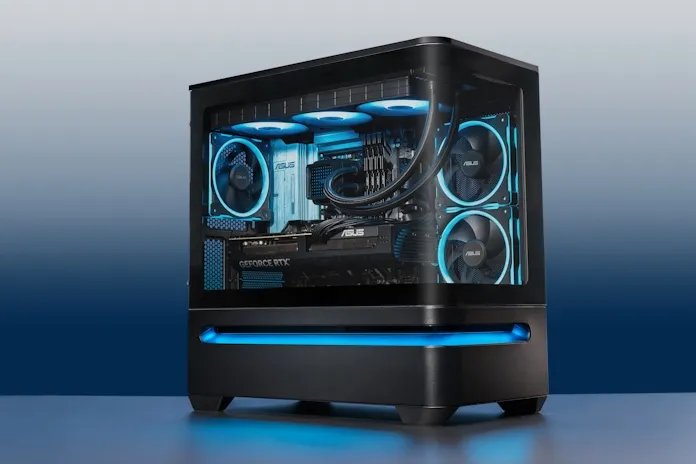
AIOs solve these problems effectively. They excel in bottom-to-top airflow designs, where a 360mm radiator with three fans exhausts heat while minimizing dead zones. They also work well in dual-chamber cases and situations where space around the CPU socket is limited.
For mainstream PC users with mainstream CPUs, both cooler types provide adequate performance. A modern mid-range chip handling spiky gaming workloads rarely needs everything a cooler can deliver—quality air coolers and quality AIOs both keep it well within safe limits. However, not all coolers are equal; a budget air cooler with a small fin stack and weak fan won't match a high-end AIO.
The separation occurs with high-end CPUs under sustained heavy workloads. A gaming-and-streaming rig, a workstation doing long renders, or an overclocked build pushes coolers toward their limits. Here, liquid cooling pulls ahead: the larger radiator surface and liquid loop keep high-end chips cooler over long loads than an equivalent air cooler.
For builds that mostly idle and game in bursts, the gap is small enough that other considerations should drive your decision.
Under light load, they're comparable. Both run quietly when the CPU barely works. AIO pumps run at constant speed, producing some operational noise, but well-designed models shouldn't exceed your system's sound floor.
Under heavier sustained loads, AIOs generally win. The radiator spreads heat over a larger area, allowing fans to spin slower for the same heat dissipation, keeping the setup quieter than an air cooler's fan needs to be.
One caveat: a small AIO with a compact radiator and fast-spinning fans defeats this advantage. Acoustic benefits come from larger radiators, so a 360mm setup out-quiets a 240mm by a fair margin.
Air coolers have an edge here. Modern models clip on with a backplate and a couple of screws, with different mounting brackets for Intel or AMD CPUs.
AIOs involve more steps: mounting a pump on the CPU, screwing a radiator to the case, routing tubing carefully to avoid kinks, installing fans on the radiator, and connecting fans, ARGB elements, and any pump housing displays to the motherboard. Modern AIOs have closed the gap with pre-installed, daisy-chained fans reducing installation work, but more steps remain.
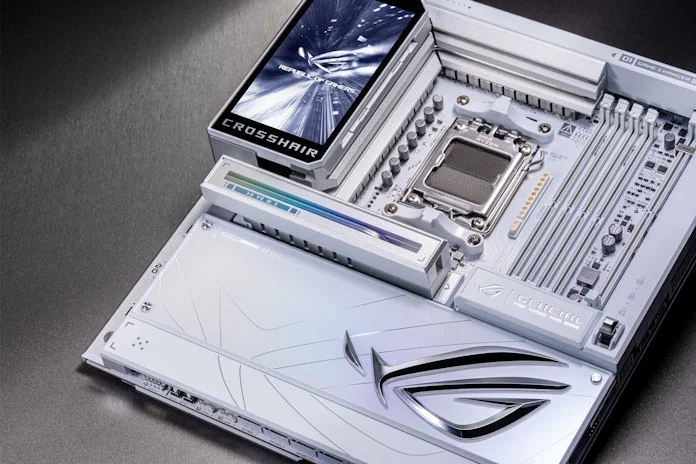
For the cleanest install, some newer AIO models pair with select AM5 motherboards using proprietary connector technology that hooks the pump, radiator fans, ARGB lighting, and pump display in one connection, eliminating individual cable runs.
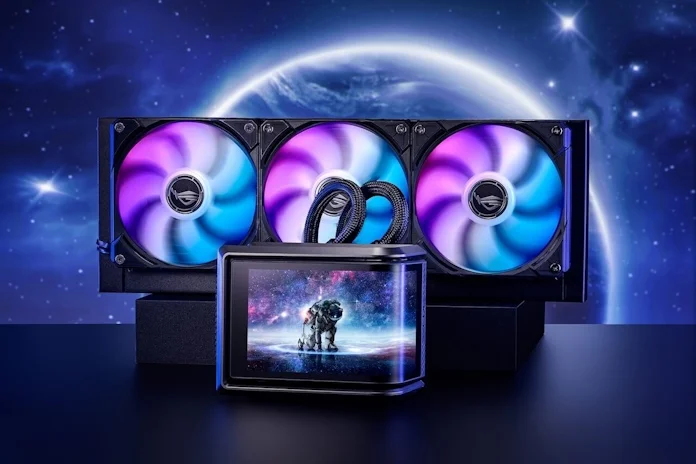
For builds with a glass side panel, an AIO is the easy aesthetic win. Options are genuinely diverse: pump housings are now design features themselves, with available displays and ARGB lighting across multiple color options and styles that let you match any build aesthetic.