Gemini Notebook adds three tools to study smarter
Studying for exams can feel overwhelming, so Google has added three new features to Gemini Notebook to make learning more structured and engaging.
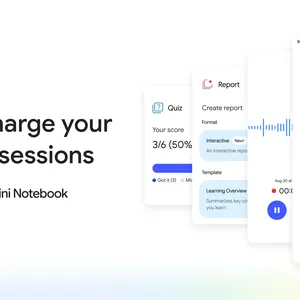
The first is the Short Video Overview, a 60-second video that helps you unpack a tricky concept. It's easy to watch on the go or share with a classmate. The second is the Interactive Learning Overview, which you create under Reports when you have dozens of notes, lectures, and readings to review. It walks you through your material step by step and combines summaries with studio outputs such as slides, quizzes, and flashcards, all grounded strictly in your coursework. The third is expanded quiz formats. New options include short-answer, multi-select, and fill-in-the-blank questions. After you test yourself or review your flashcards, you can ask your notebook for feedback to pinpoint where to focus next.
The article does not give a launch date or pricing. Google invites readers to try the features with their own materials at notebook.google.