The latest Android update introduces tools to simplify your daily routine. You can now use Gemini to track misplaced items, reduce motion sickness with a new screen overlay, and use Guided Vision to describe your surroundings. Additionally, you can collaborate on notes directly in Google Messages and personalize your chats with custom themes.
1. Keep Track of Important Items
You'll soon be able to ask Gemini to remember where you placed important items, and it will save their locations in Find Hub. For items without a tracker tag—like your passport or spare key—say something like, “Hey Google, remember in Find Hub that I put my passport in my bedroom drawer,” and optionally add a photo. When you need to find it, just ask Gemini for its location or check your remembered items tab in Find Hub. The feature is available on Android 16+ devices in countries where Gemini and Find Hub are supported.
2. Help Reduce Motion Sickness During Your Ride
Motion Assist adds a subtle bubble overlay to your screen that moves with the vehicle, helping bridge the gap between what your eyes see and the movement of your ride. You can set it to turn on automatically, add it to Quick Settings, and customize the bubble's shape, color, and opacity. The feature is available on phones using Android 17.
3. Use Guided Vision to Understand Your Surroundings
Share your camera in Gemini Live to hear descriptions of what's in front of you. Designed for and with the blind and low-vision communities, Guided Vision can help with tasks like reading fine print on a food label, ordering from a menu in a low-lit restaurant, or identifying household objects. Voice feedback will guide you to reframe your camera, pan across a space, or center an object to get the answers you need. For quick access, add Guided Vision to your Accessibility shortcuts, enable it directly from the TalkBack menu, or access it from Gemini App Settings. Guided Vision is coming soon to phones running Android 9+ in countries where Gemini is available.
4. Create and Edit Notes with Friends in Google Messages
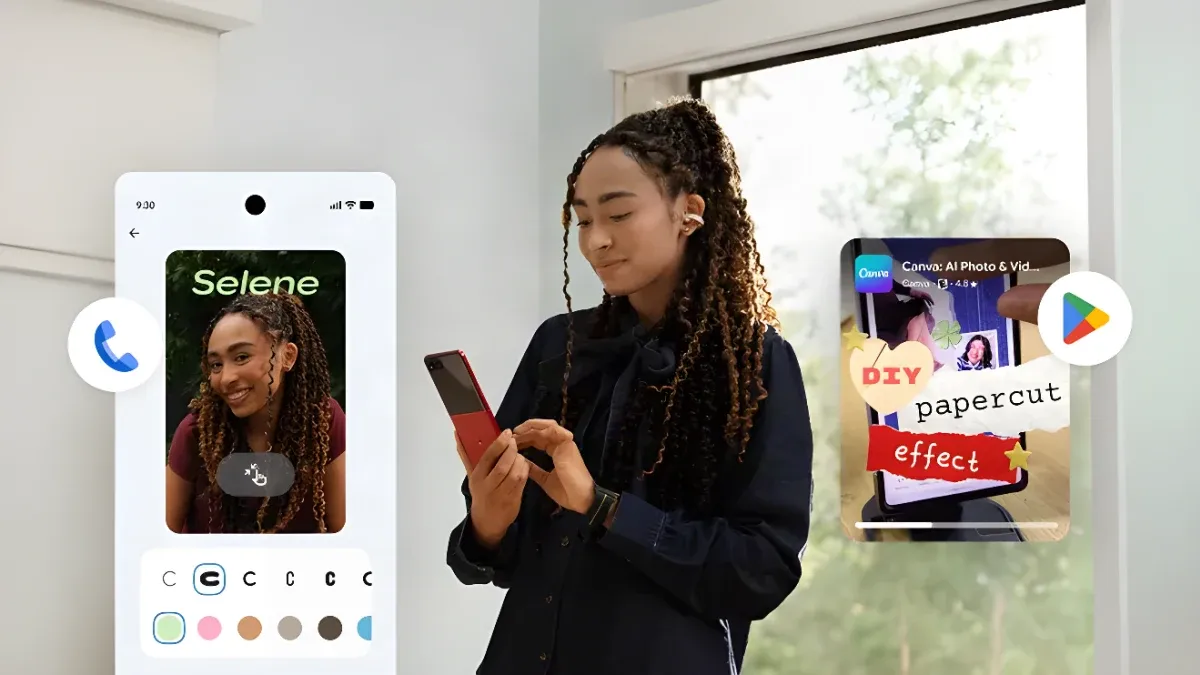
Share and update grocery lists or vacation notes right inside your chat so everyone stays on the same page. Collaborators can view, edit, and add ideas without switching apps. Simply hit the + icon in Google Messages to bring Google Keep into your conversations. Rollout starts today.
5. Personalize Your Chats with Custom Backgrounds and Themes
With Chat Theme in Google Messages, you can customize each chat with a distinct background and colors. Pick a wallpaper, use your own photo, or change the colors to suit your personality—your text bubbles will automatically match. The feature is available now in Google Messages.