Chrome Autofill Fills Forms With Suggestions From Gmail
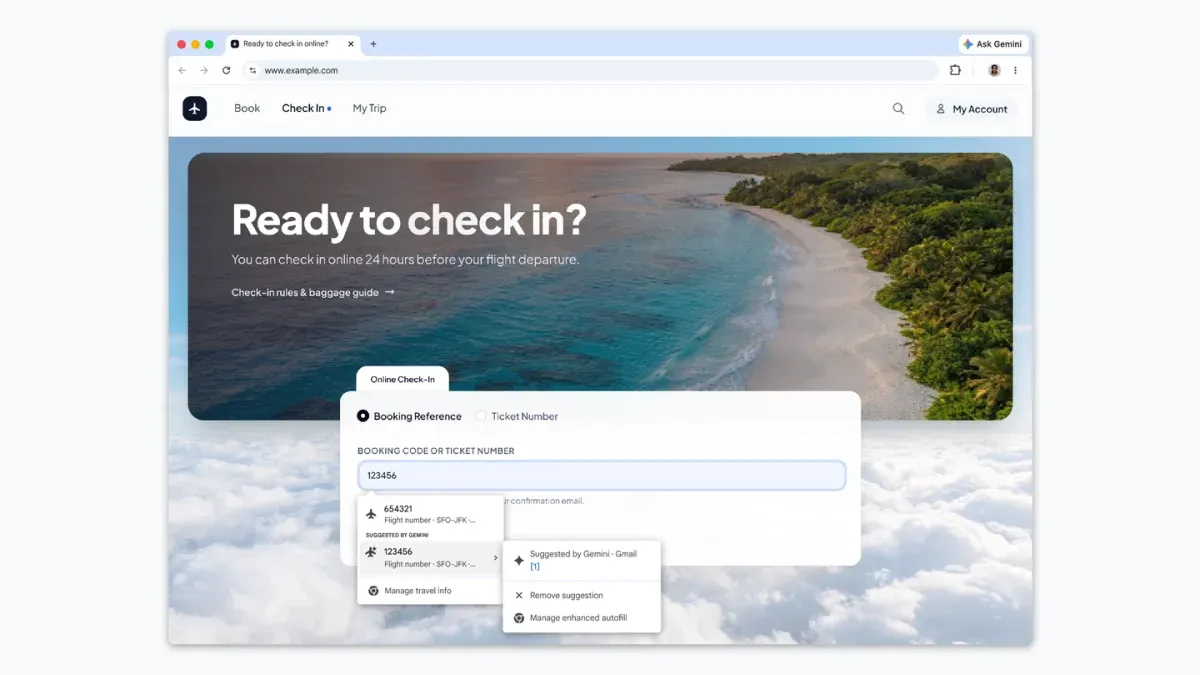
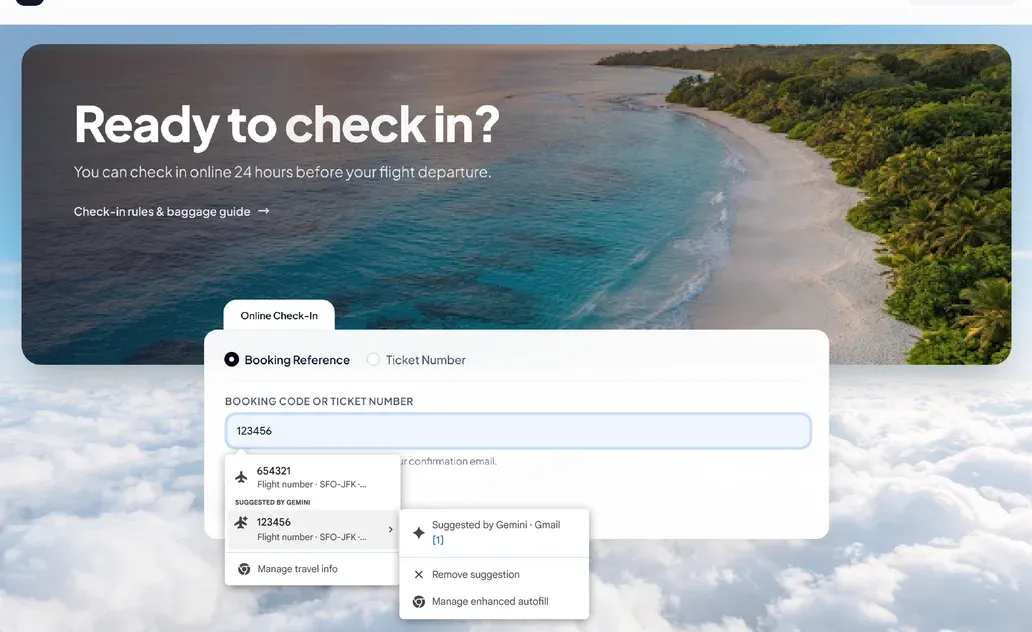
Filling out online forms often means switching tabs or searching your inbox for an order number or flight booking. Chrome's autofill has long handled basics like your name, address, and credit card number. Its enhanced version now goes further by suggesting information pulled directly from Gmail as you fill out forms.
The feature is powered by Gemini with Personal Intelligence. It can surface details such as order numbers, tracking information, and flight bookings at the moment you need them. Google says it will soon extend these capabilities so enhanced autofill can securely access information from images in your Google Photos library.
Google states that sensitive data is encrypted and that you remain in control. You can manage whether enhanced autofill is enabled and what it can access through your Chrome settings.
The feature is beginning to roll out in the U.S. on desktop, Android, and iOS. It is available to Gemini in Chrome users who have Personal Intelligence enabled.