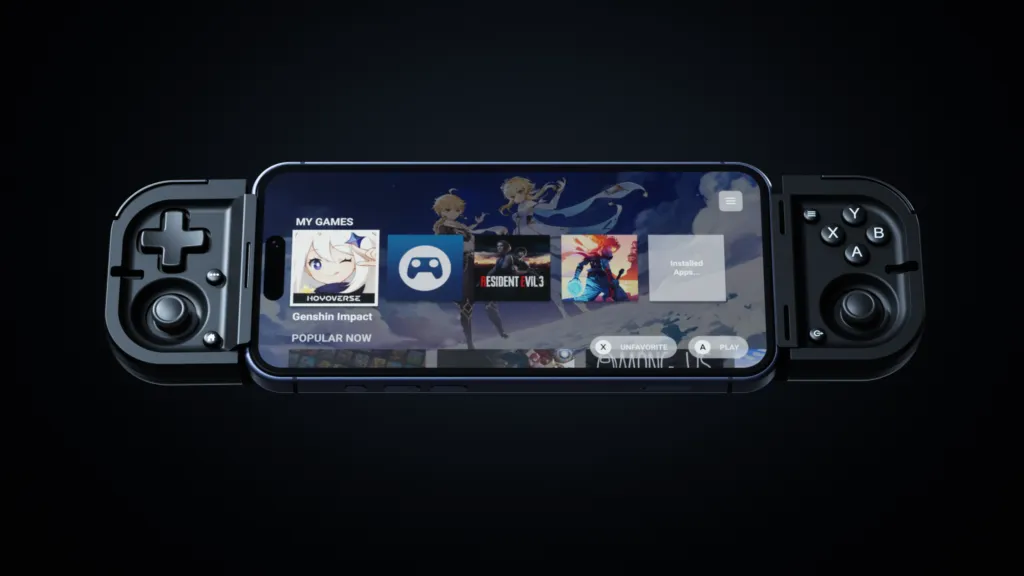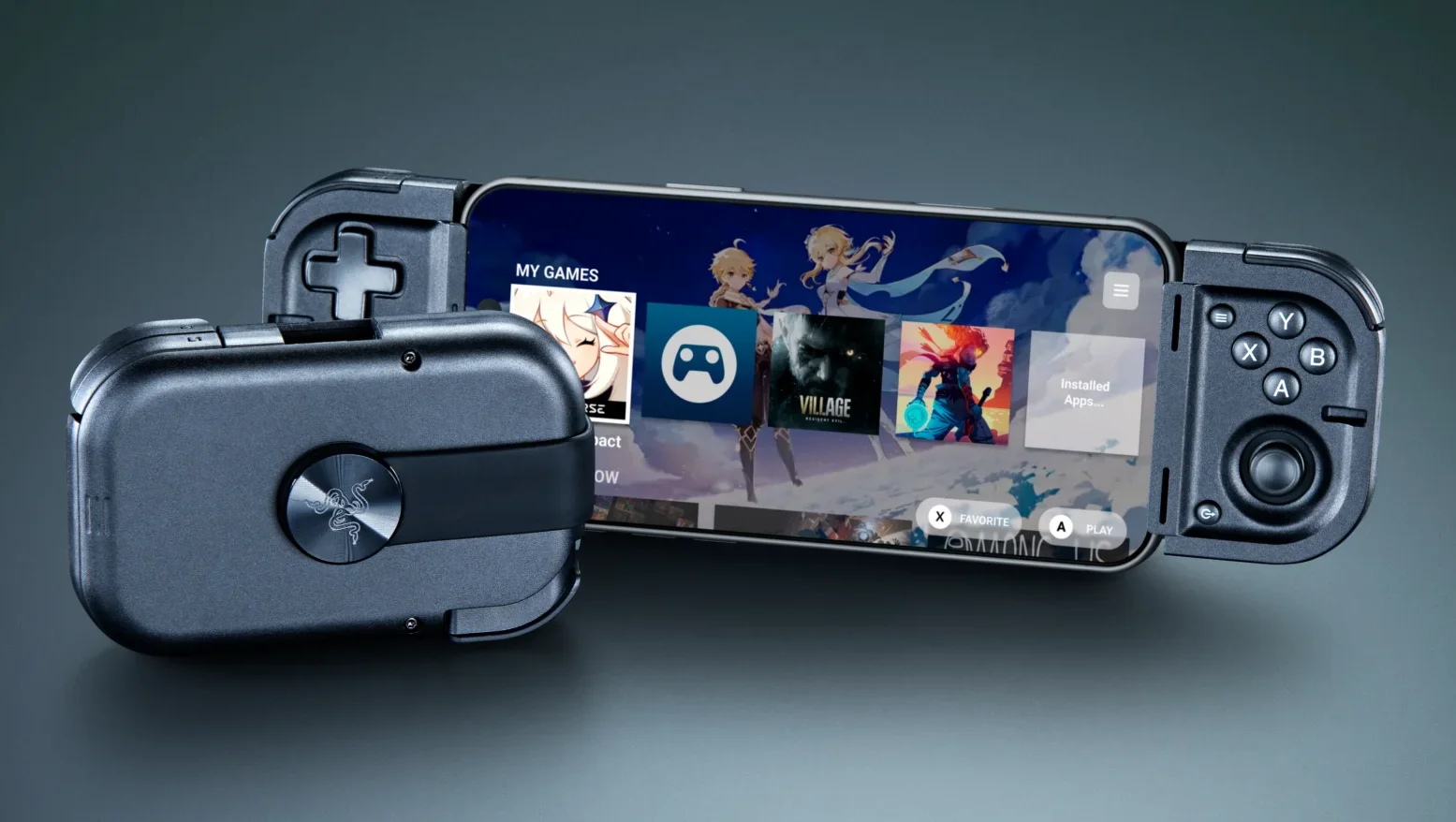
A sleek black foldable gaming controller attached to a smartphone displaying a game library, with a compact closed version beside it.
Razer has announced the Razer Prio, an ultra-mobile foldable USB-C gaming controller designed for iPhone and Android devices. The controller is engineered to transform daily downtime—commuting, waiting, breaks between classes—into console-grade gaming sessions while fitting in a pocket.
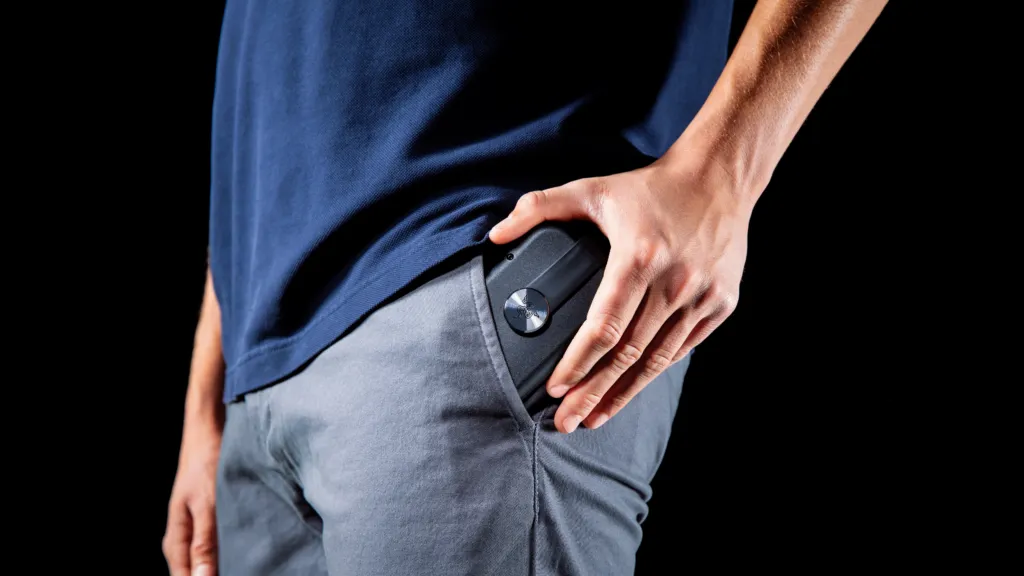
The Prio is the first in Razer's new line of ultra-portable mobile gaming controllers. When folded, it measures 107 mm × 67 mm × 23 mm and weighs just 101 g, roughly the size of a credit card. It opens into a full-sized controller that accommodates phones up to 7 inches, including the iPhone 17 Pro Max and Samsung Galaxy S26 Ultra.
| Specification | Value |
|---|---|
| Folded dimensions | 107 mm × 67 mm × 23 mm |
| Weight | 101 g |
| Maximum phone size | up to 7 inches |
With the Razer Prio, we set out to erase the tradeoffs between portability and precision. It folds down to the size of a credit card, but the moment it opens, it plays like a full controller. That's the whole game, wherever you happen to be sitting.
The Prio's folding mechanism slides out of a pocket and twists open in one motion. It features a complete console-grade layout with low-profile thumbsticks, a tactile 4-way D-pad, face buttons, bumpers, and triggers.
At its core are precise capacitive analog thumbsticks engineered to reduce drift—a first for a Razer controller. The contactless capacitive sensing reads movement at high resolution with no physical contacts to wear down, maintaining consistent aim even during commutes.
The controller connects directly to a phone via USB-C with no pairing or separate battery required, delivering low-latency response. Its flexible design fits most slim to medium phone cases, allowing users to game without removing their cases. Silent tactile face buttons provide responsive feedback without disturbing those nearby.
The Razer Prio supports iPhone (iOS 18) and Android (14 or later) for both local play and streaming via Xbox Cloud Gaming, Steam Link, PS Remote Play, and Razer PC Remote Play. A dedicated Razer Cortex Mobile button opens your game library in a single tap—users can link Razer Cortex Mobile to Razer Cortex on PC to play favorite PC titles on their mobile device.
For more information, visit rzr.to/prio.