New Windows Search
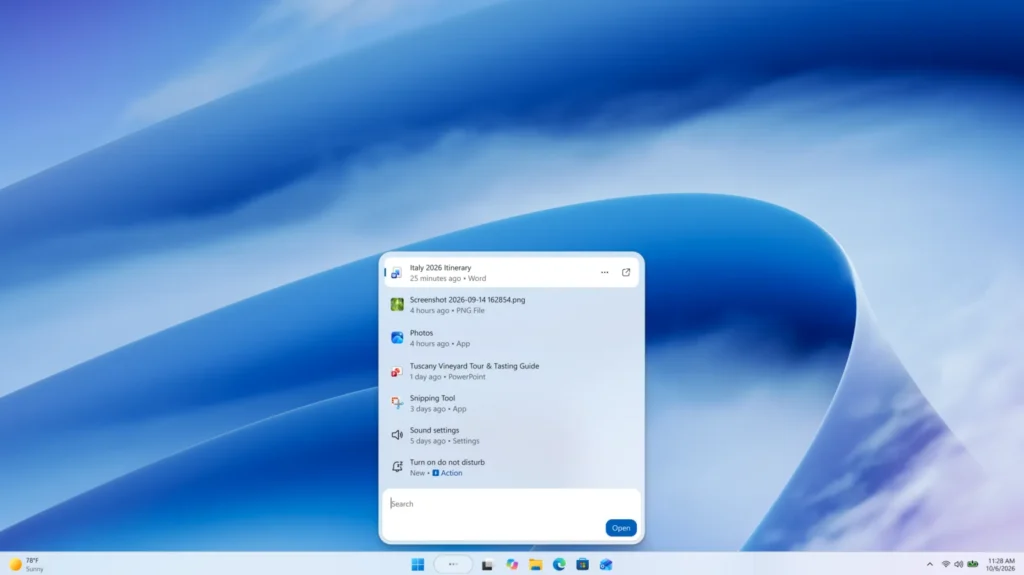
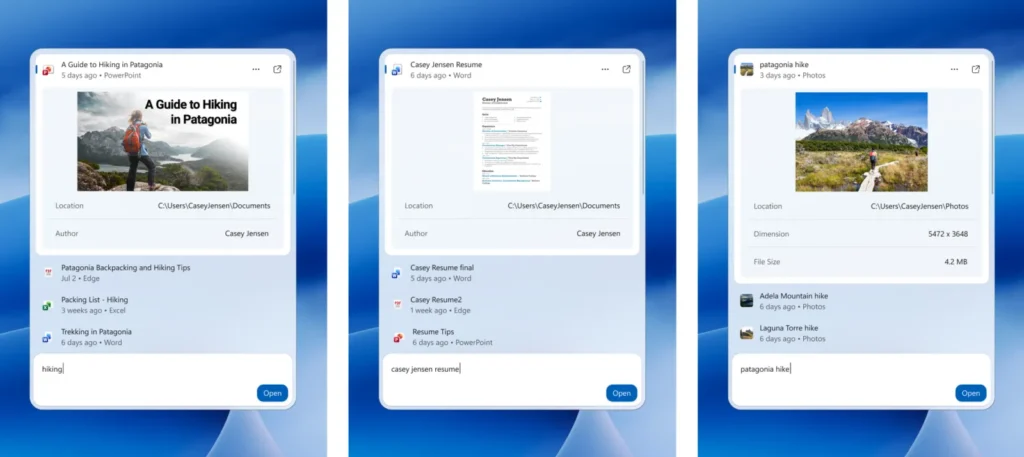
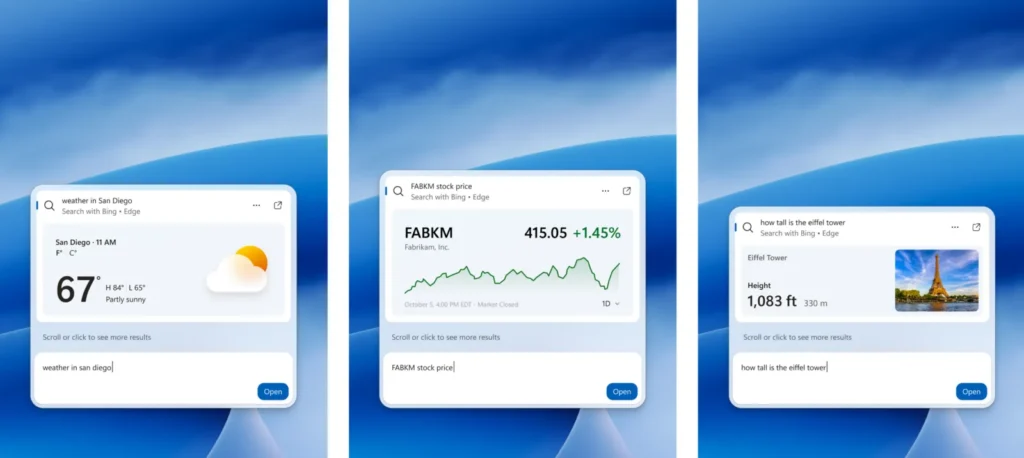
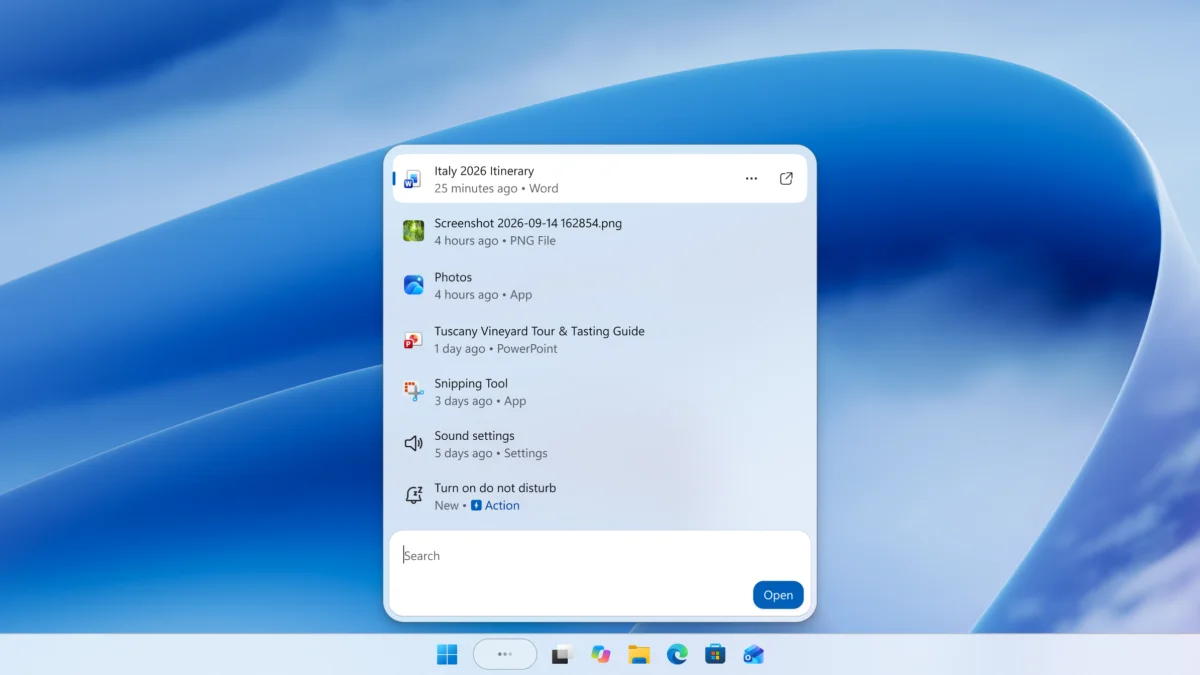
Windows Search is getting a faster, single-list redesign built on WinUI 3, plus inline actions that let you finish simple tasks, such as switching to dark mode, without opening another app. It starts rolling out on the taskbar for Windows Insiders beginning 10/7.
For everyday use, this means fewer steps between finding a setting or file and changing it. Early testing shows substantial improvements in performance and memory usage, and Microsoft is previewing the design now so Insider feedback can shape it before wider release.
The new experience is gradually rolling out to Windows Insiders in the Experimental channel starting today, with English as the supported language, and you can enable it early under Settings > Windows Update > Windows Insider Program > Feature flags after installing build 26340.9616 (Experimental) or build 28120.3181 (Experimental 26H1), then checking for updates and restarting.
| Build | Channel |
|---|---|
| 26340.9616 | Experimental |
| 28120.3181 | Experimental 26H1 |
Nobody has commented on this yet.
💬 Be the first to comment